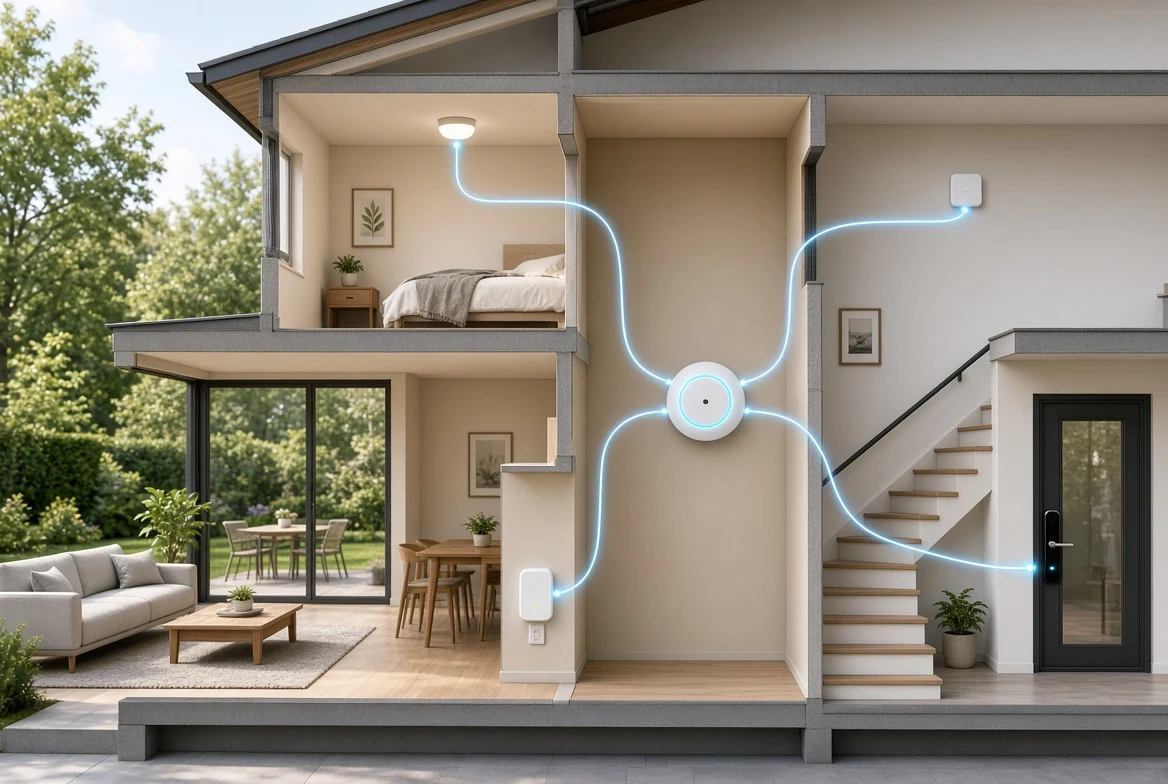
An automatic door opener for a home entry typically costs $2,000 to $5,000 installed, per industry ranges as of early 2026, while a smart lock runs $100 to $350 plus installation. The opener moves the door; the lock secures it; together they let many people with limited hand strength or mobility open and enter without assistance.
What Does an Automatic Door Opener Actually Do?
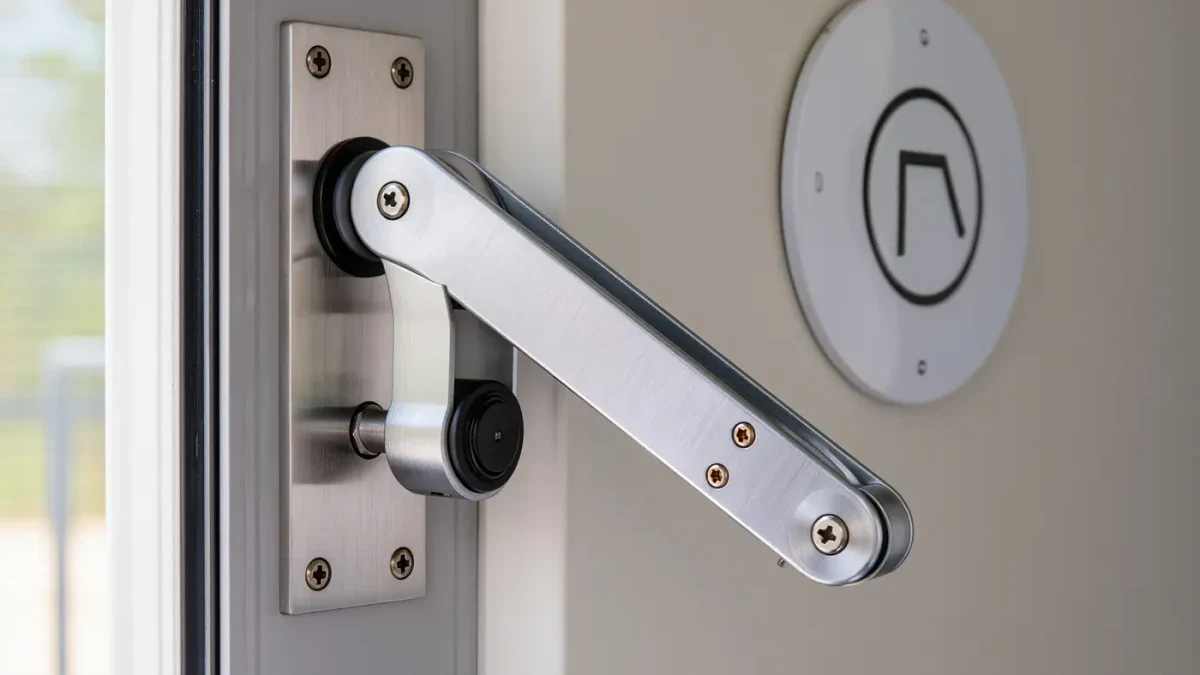
A residential low-energy operator, the type used at homes, is a motorized arm mounted to the door frame and door. Press a wall button, a remote, or a phone app, and the arm swings the door open, holds it, then closes it at a controlled speed. Manufacturers such as Access Technologies, Open Sesame, and OL100-class residential units document push-and-hold or one-touch operation, adjustable open and close speeds, and battery backup on specific models.
Low-energy operators get their name from the force and speed limits in industry standard BHMA A156.19, which the ADA 2010 Standards section 404.3 references for automatic doors in public buildings. In your home, those limits are a safety feature worth asking for by name, because they keep closing doors from hitting a slow pass-through.
How Much Does Each Option Cost?
Typical installed costs, as of early 2026:
- Residential door opener (operator, buttons, installation): $2,000 to $5,000 for most single doors; heavy or oversized doors push toward the top of the range.
- Smart lock: $100 to $350 for the hardware; $75 to $250 for a locksmith if you do not install it yourself.
- Extra actuators (large-format wall buttons, keypads, remotes): $50 to $250 each.
- Electrical work for a hard-wired operator: $200 to $800, depending on the run.
These are planning ranges from industry cost data, not quotes; regional labor and door condition move them.
How Do You Choose a Door Opener?
Work through the door itself before choosing a motor:
- Measure the door width, weight, and swing. Operators are rated by door size; storm doors and aluminum screens complicate mounting.
- Decide the trigger points: wall buttons on both sides, a handheld remote, a phone app, or all three. Mount buttons where a seated user reaches them: within reach ranges of 15 to 48 inches described in ADA 2010 section 308, a good home target.
- Check power. Hard-wired operators need a circuit near the frame; battery-operated residential units trade wiring for charging.
- Ask each dealer for the manufacturer spec sheet covering opening force, hold-open time, battery backup, and obstruction response.
- Get two or three installed quotes, and confirm who services the unit locally.
How Do You Choose a Smart Lock?
Smart locks replace or overlay the deadbolt and unlock by code, phone, or fingerprint. For users with limited hand dexterity, the features that matter most are documented by manufacturers, not discovered in reviews:
- One-touch or auto-unlock on approach, offered in several major product lines.
- Keypads with large, well-spaced buttons rather than touch surfaces that need precise taps.
- Remote locking and checking through a phone app or a voice assistant, supported by most major smart-home ecosystems as of 2025.
- Physical key backup, so a dead battery never locks you out.
Match the lock to the door first: measure backset and thickness against the manufacturer's fit specifications before buying. Retrofit overlay models install with a screwdriver on most doors; full deadbolt replacements are also common weekend installs.
How Do the Two Work Together?
They solve different halves of the same problem. The opener handles the door's weight and swing; the lock handles security. Common pairings:
- Opener with push-button or remote entry, paired with a smart lock that auto-unlocks as the user approaches — no grip, key, or twist needed.
- Smart lock with voice-assistant control inside the home, plus an opener only on the heaviest exterior door.
- Smart lock alone, where the door itself is light enough to push but a key turn is the barrier.
Compatibility is the trap: not every opener works with every lock or hub. Check both products' documented compatibility lists, and confirm whether the opener's control module accepts the trigger you intend to use.
What About Power Outages and Safety?
Ask one question before purchase: what happens when the power goes out? Manufacturer documentation for each model states whether battery backup keeps the operator working and whether the door can still be opened manually. The same check applies to smart locks, where a physical key override or a 9-volt terminal backup is standard on many lines. For anyone who cannot open the door manually, battery backup and a manual-release procedure belong in the purchase decision, not the fine print.
Can Funding Help Pay for These?
Sometimes. Some state Medicaid home and community-based services waivers cover automatic door openers as environmental modifications, and the VA's Home Improvements and Structural Alterations benefit has historically covered door openers for eligible veterans up to its per-lifetime dollar cap. Each program states its own eligibility and limits, and they change; read the program page before counting on a dollar figure. This is program information, not a benefits determination for any individual.
What Should You Do Before Buying?
Order the steps so the cheap checks come first:
- Try the lock side alone: a lever handle plus a smart lock may solve the entry for a few hundred dollars.
- If the door's swing is the barrier, measure it and price an operator for that specific door.
- Verify compatibility between lock, opener, and any voice assistant you use, using the manufacturers' documents.
- Confirm battery backup behavior and manual override in writing.
- Check whether a waiver or VA program you qualify under covers the equipment.
Standards cited are national benchmarks for public buildings; your home is governed by local building and electrical codes, which vary by jurisdiction.
What About Doors Inside the House?
The same operators work indoors, and interior doors are often the cheaper, higher-payoff project. A bedroom or bathroom door that swings shut in a draft, or that a seated user cannot push open against a latch, defeats independence daily. Residential operators rated for interior doors are lighter and cost less to install than entry-grade units, typically $2,000 to $3,500 installed as of early 2026, per industry ranges, because there is no weather seal to overcome and less framing work. Pocket doors and bypass sliders offer a no-motor alternative: converting one swing door to a pocket door during a hallway project eliminates the swing problem permanently for roughly $1,000 to $3,500, depending on wall condition. Pair either approach with lever hardware, which needs no gripping or twisting, and many interior doors stop being obstacles entirely. Choose the motor where passive hardware cannot do the job, not as the default.